

Group Card
Celebrate your team, together
Create group greeting cards your team will actually love. Pick a beautiful template, invite teammates to sign, add personal messages and GIFs, and deliver the card with confetti, balloons, or sparkles — all without leaving monday.com.
Celebrate Every Moment
Group Card makes it easy to celebrate birthdays, farewells, work anniversaries, and milestones with your team — right inside monday.com. No more juggling separate tools, chasing down contributors, or worrying about forgetting someone’s special day.
Key Features
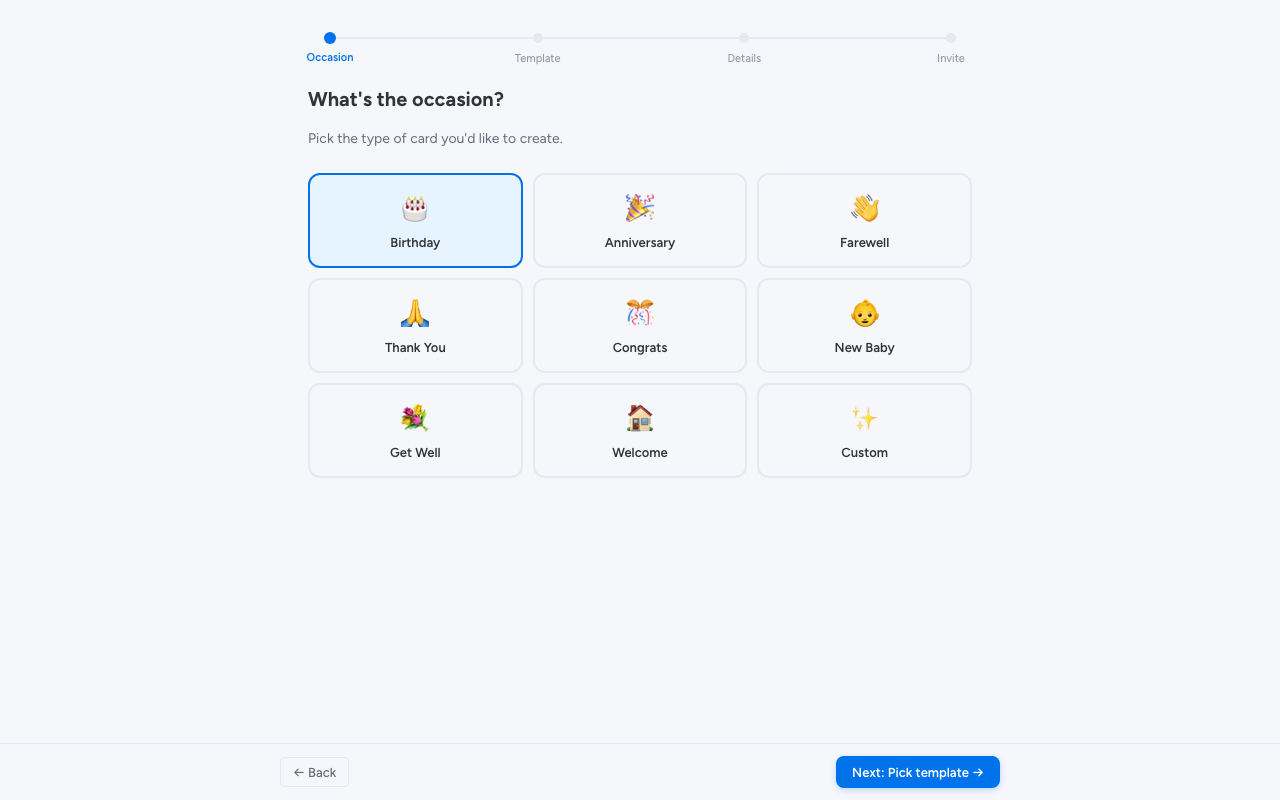
- 9 Occasion Types — Birthday, Work Anniversary, Farewell, Thank You, Congratulations, New Baby, Get Well, Welcome, and Promotion
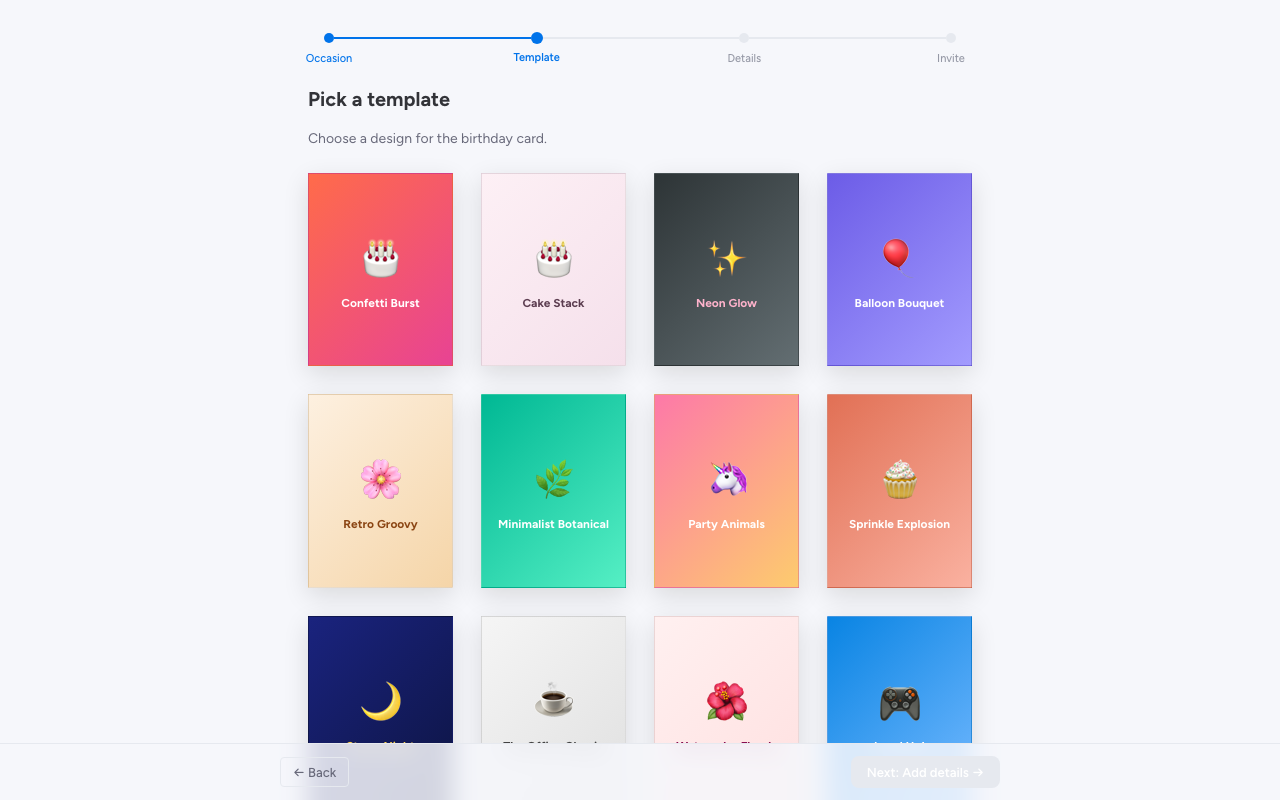
- 100+ Beautiful Templates — Professionally designed card templates with a real greeting card look and feel
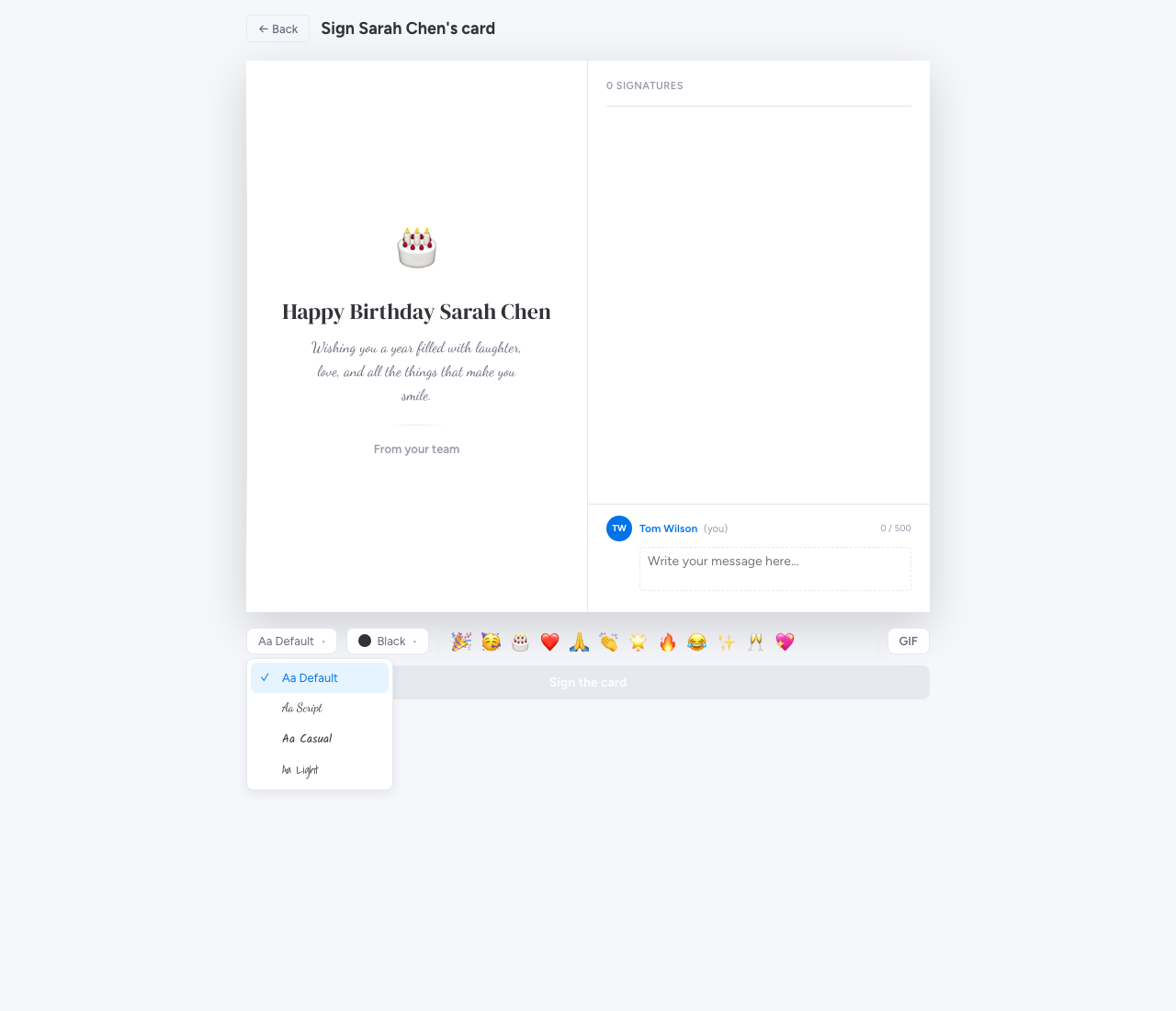
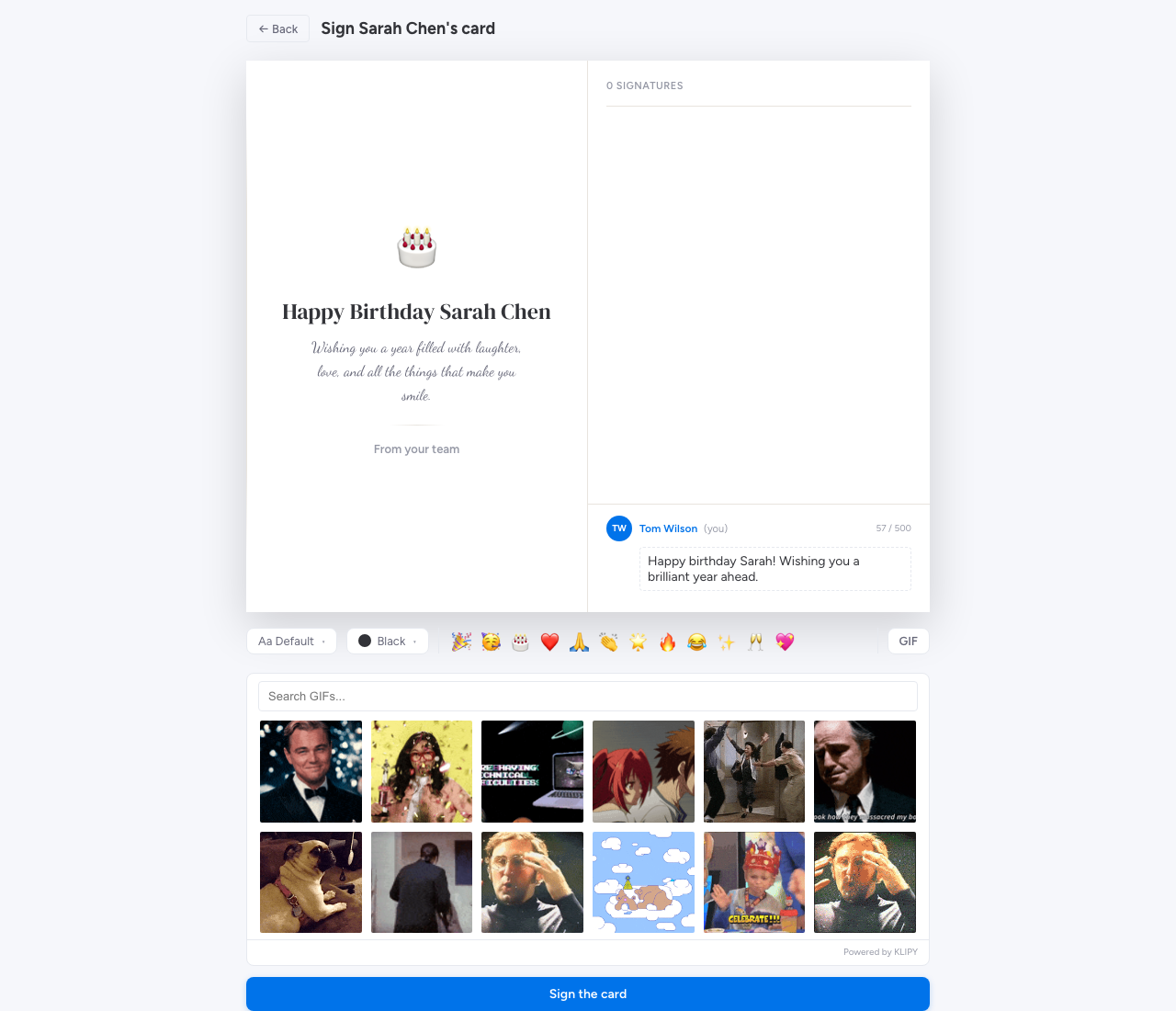
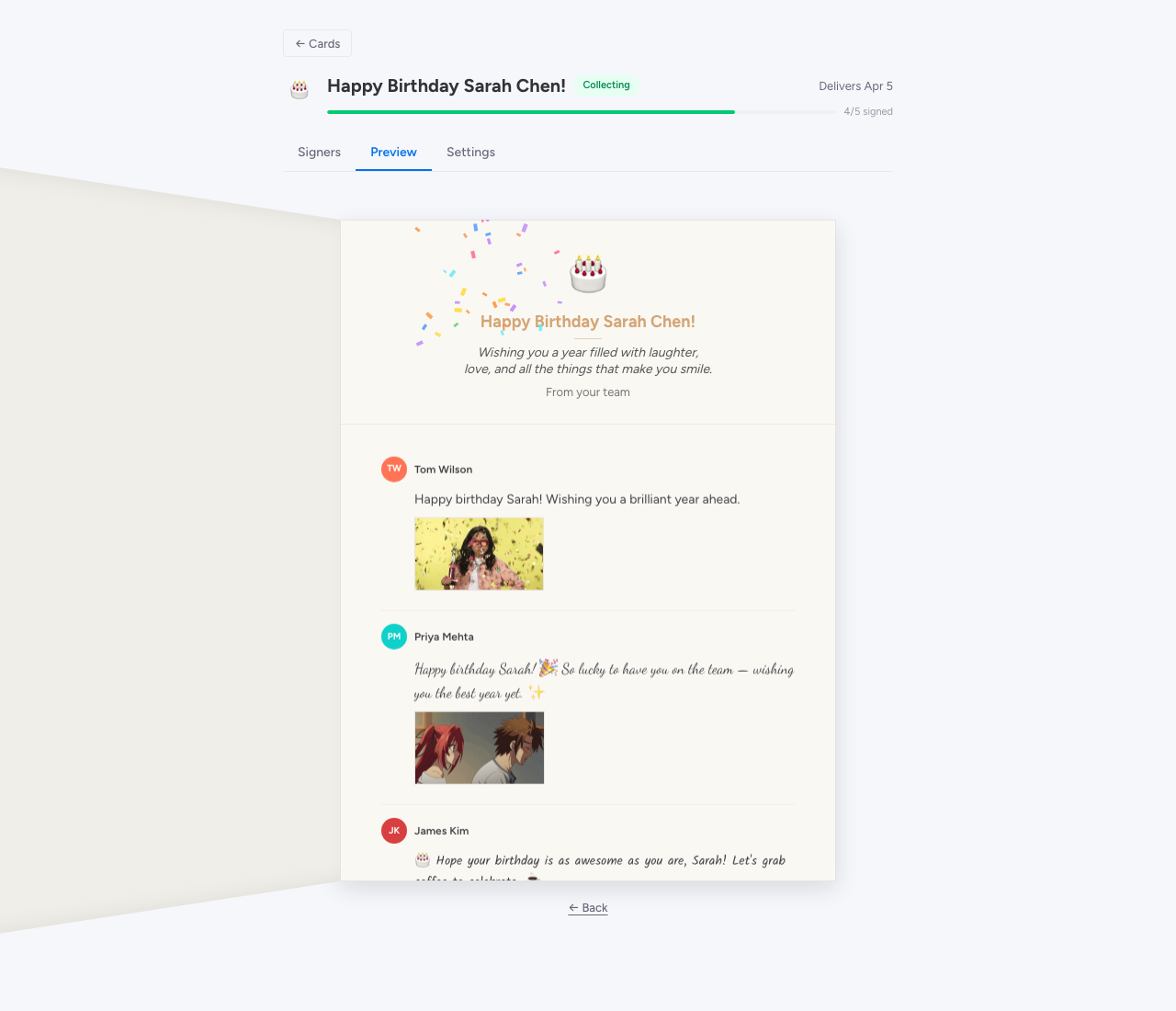
- GIF Support — Browse and add the perfect GIF from Giphy
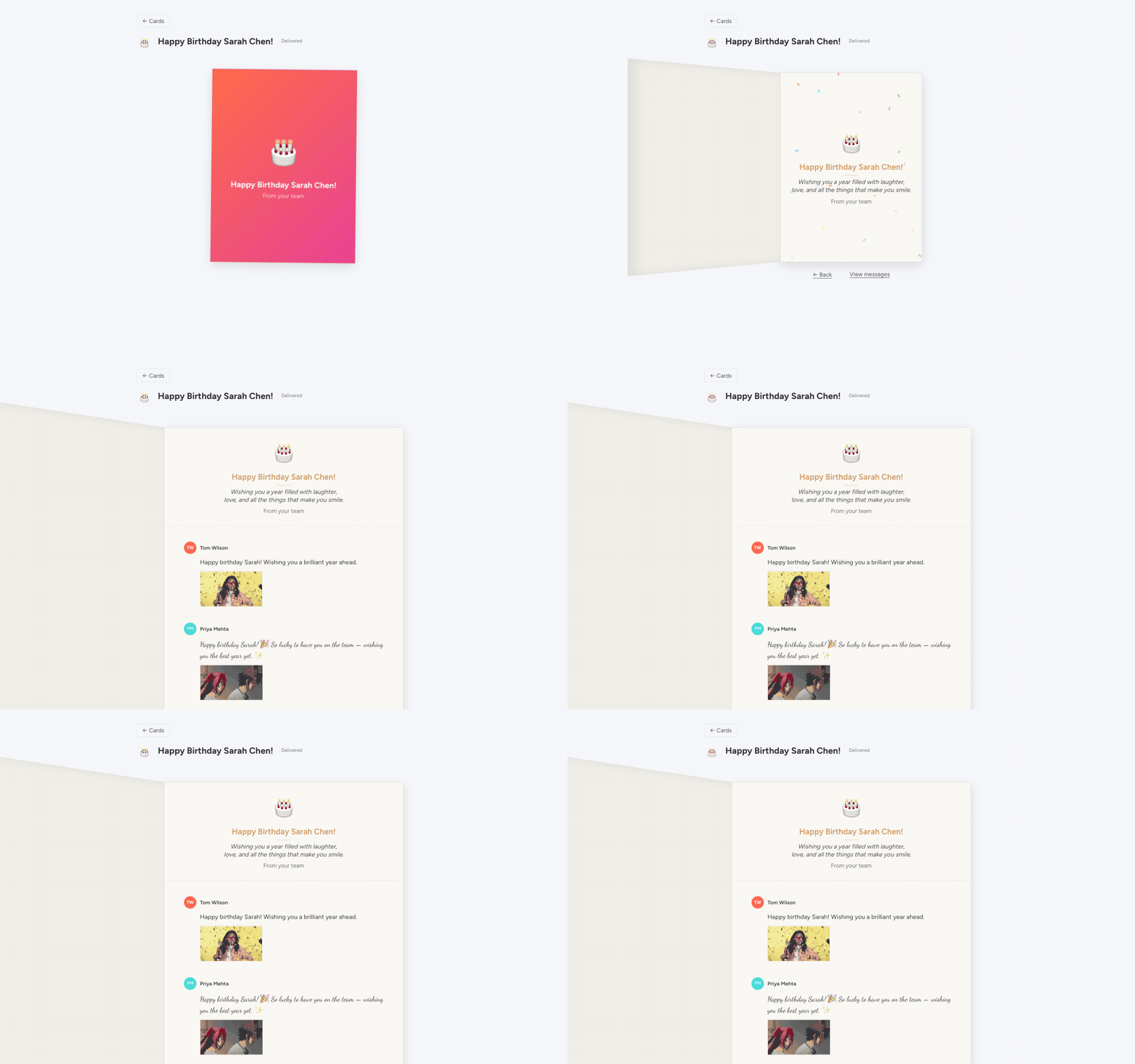
- Opening Effects — Surprise recipients with confetti, balloons, or sparkles when they open the card
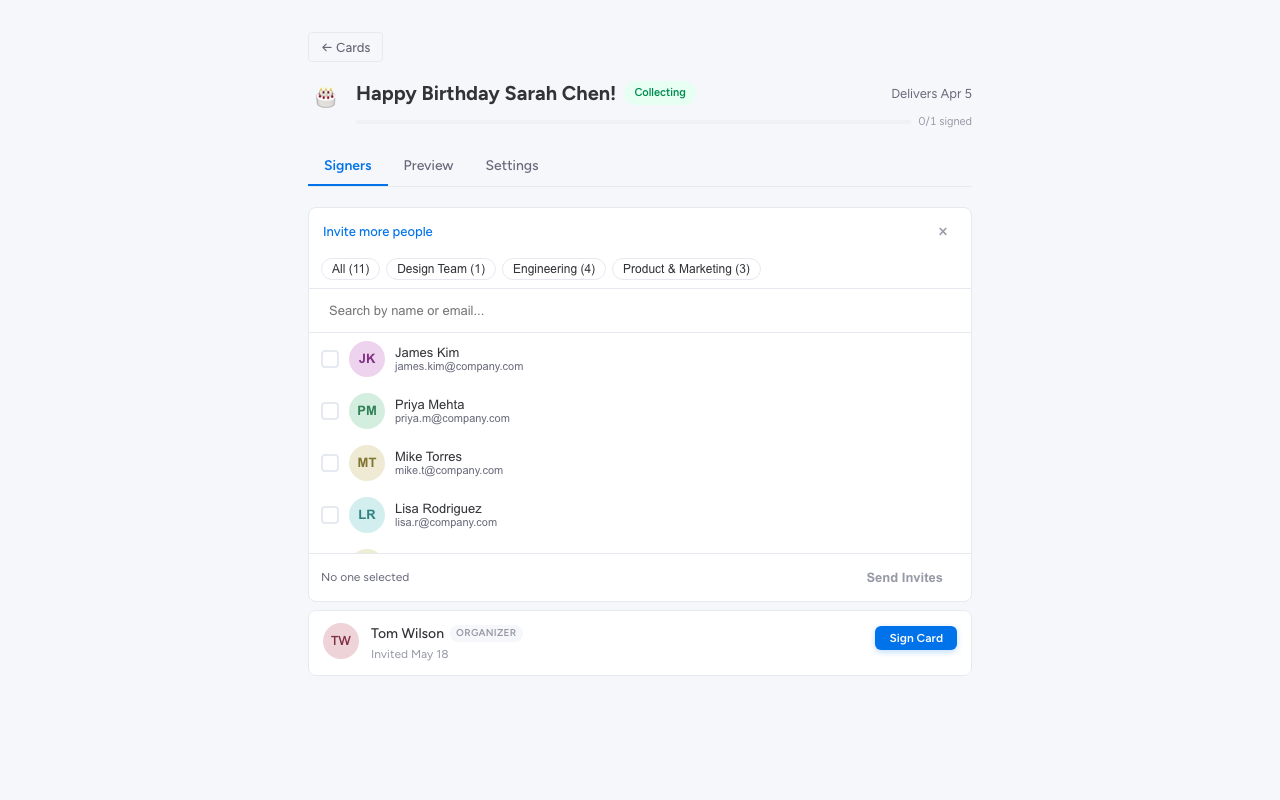
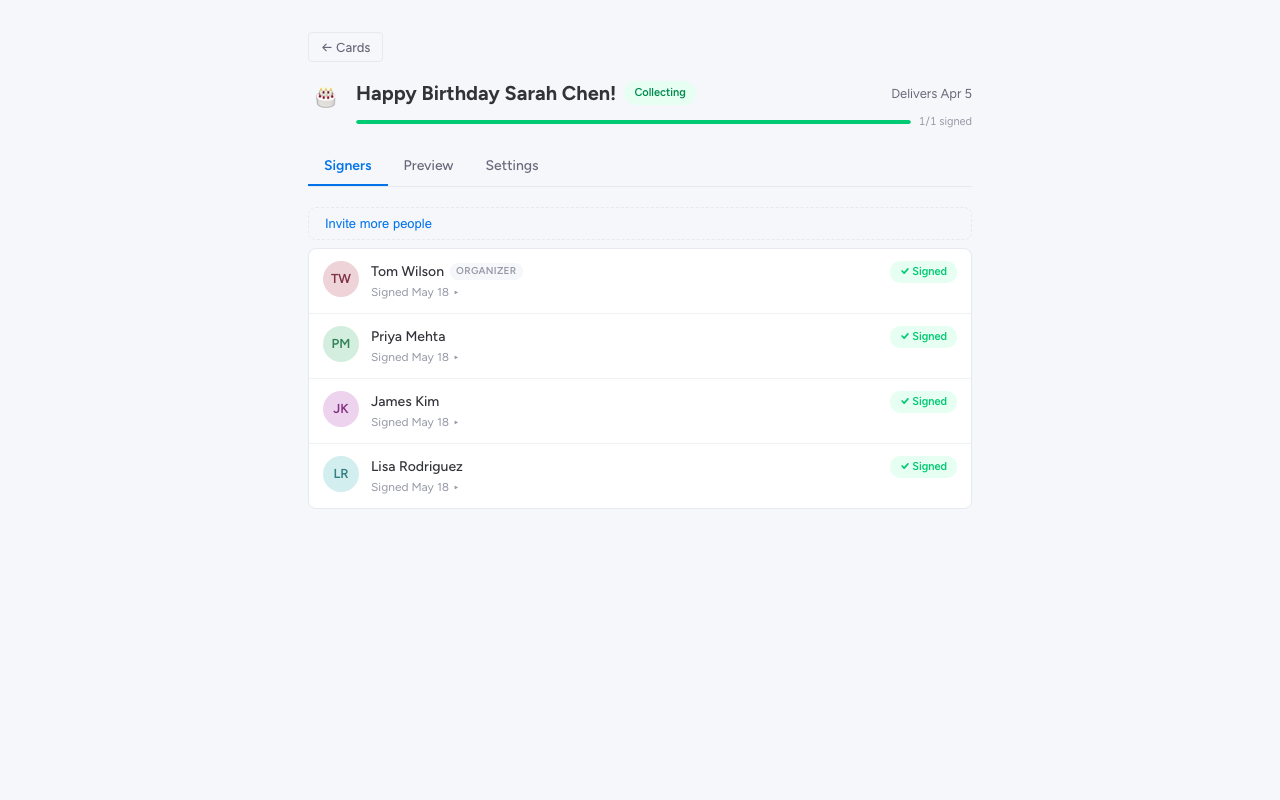
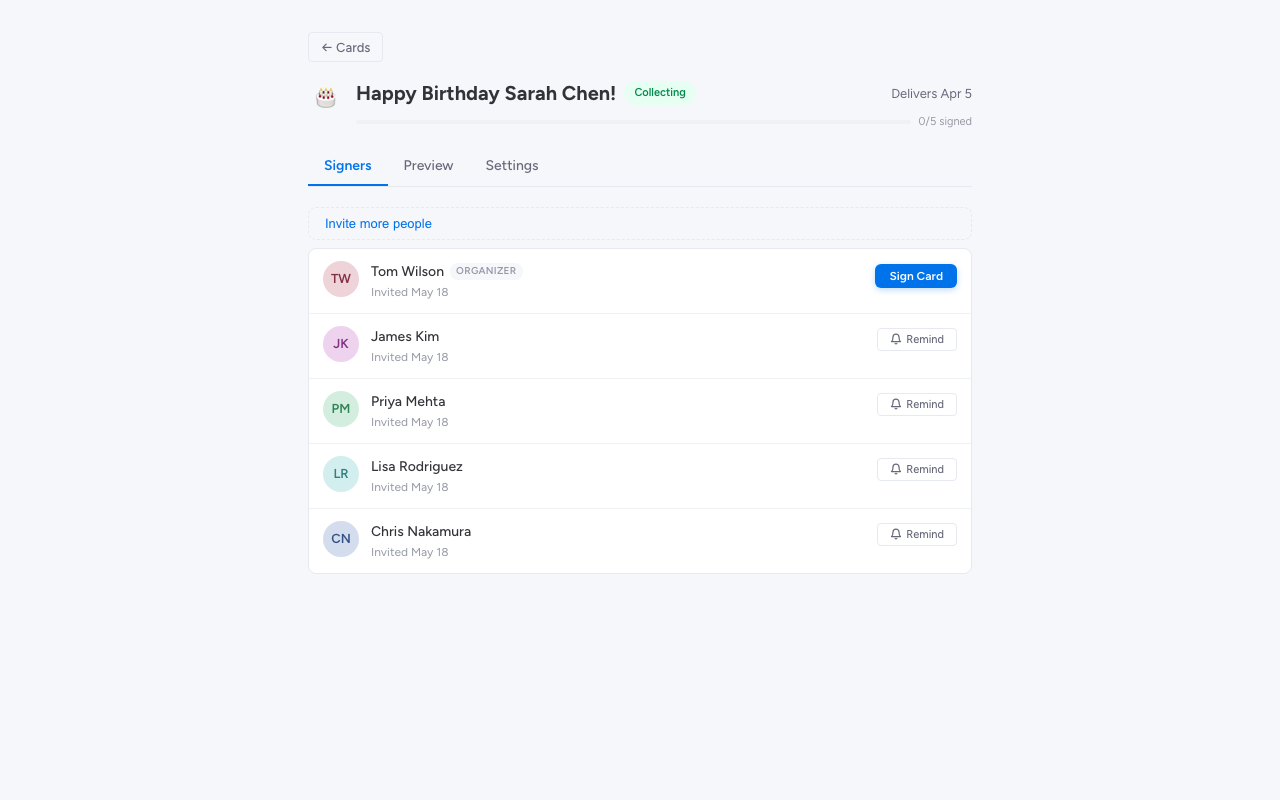
- Organizer Dashboard — Track who has signed, send nudge reminders, preview the card, and manage delivery
- Native Notifications — monday.com bell notifications for signing invitations and reminders
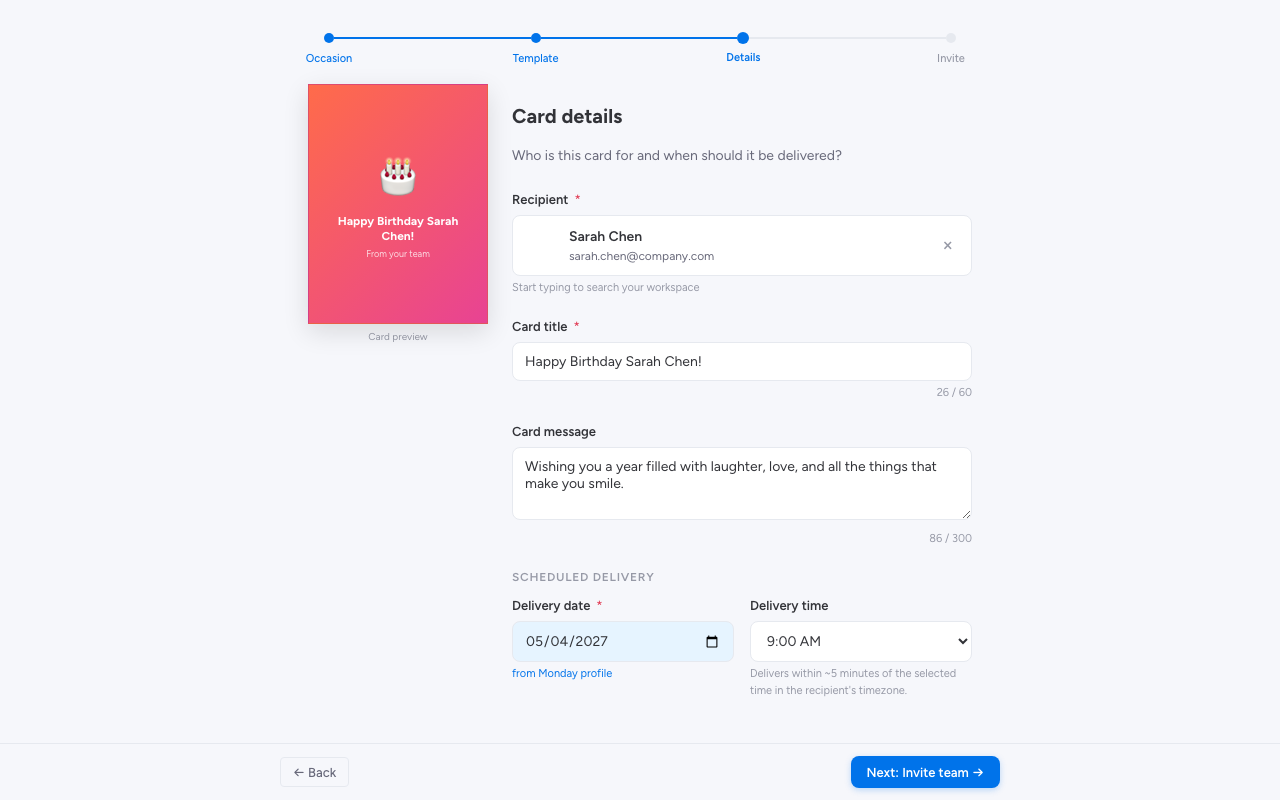
- Scheduled Delivery — Set the perfect delivery date and time — cards are delivered automatically
- Font Selection — Choose from a curated set of fonts to personalize your message
How It Works
- Create a card — Pick an occasion, choose a template, name the recipient, and set a delivery date
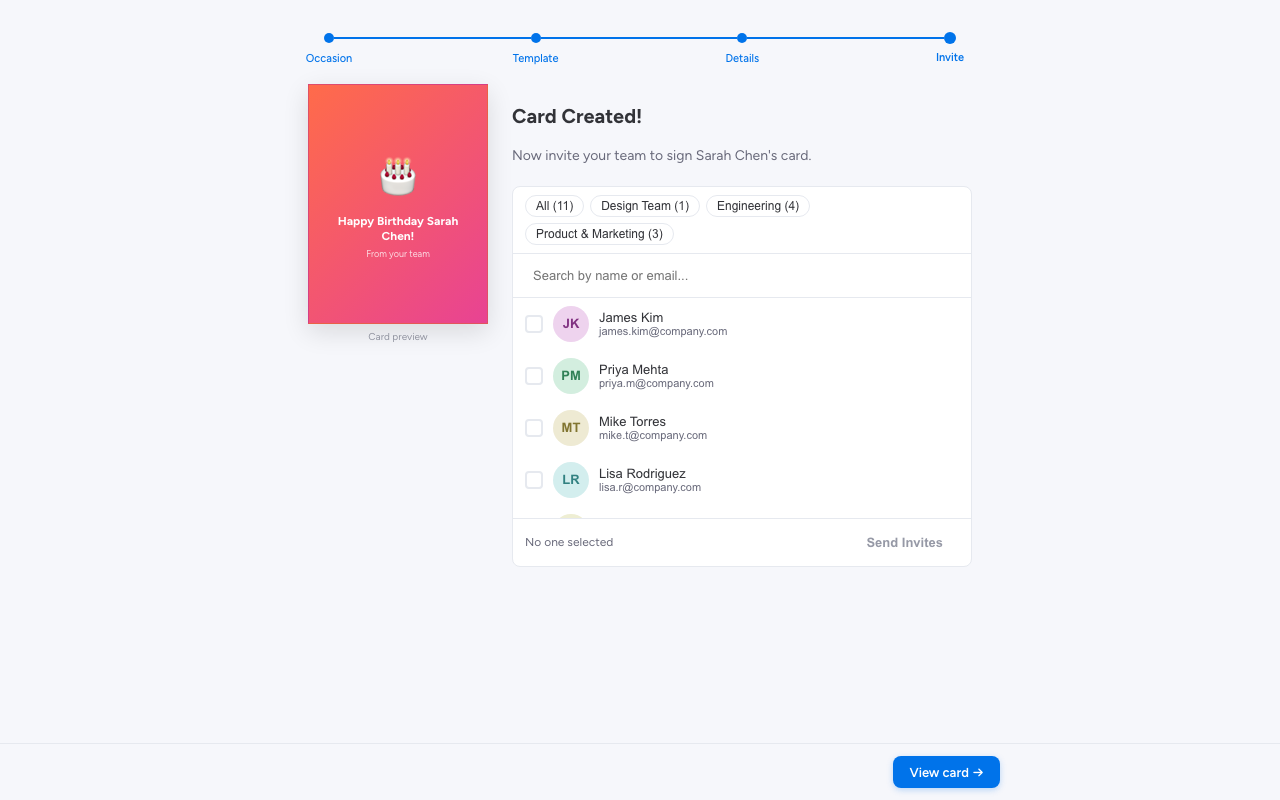
- Invite contributors — Select teammates from your monday.com workspace and they’ll get a bell notification to sign
- Everyone signs — Contributors add their personal message, pick a GIF, and choose a font
- Deliver the card — The recipient gets a beautiful card with all the messages and an opening animation
Create a Card
Choose from 9 occasion types — birthdays, farewells, work anniversaries, and more.
The Signing Experience
Pick fonts, colors, emoji, and styling so every message feels personal — not templated.
Built for Organizers
Pick teammates from your workspace — they get a native monday.com notification.
Built for Teams
Group Card lives where your team already works. No context-switching to an external tool, no separate logins, no vendor procurement. Install it, create a card, and celebrate your team.