The file options menu lets you change or remove the embedded file from the current view. Click the file name dropdown on the left side of the toolbar to open the menu.
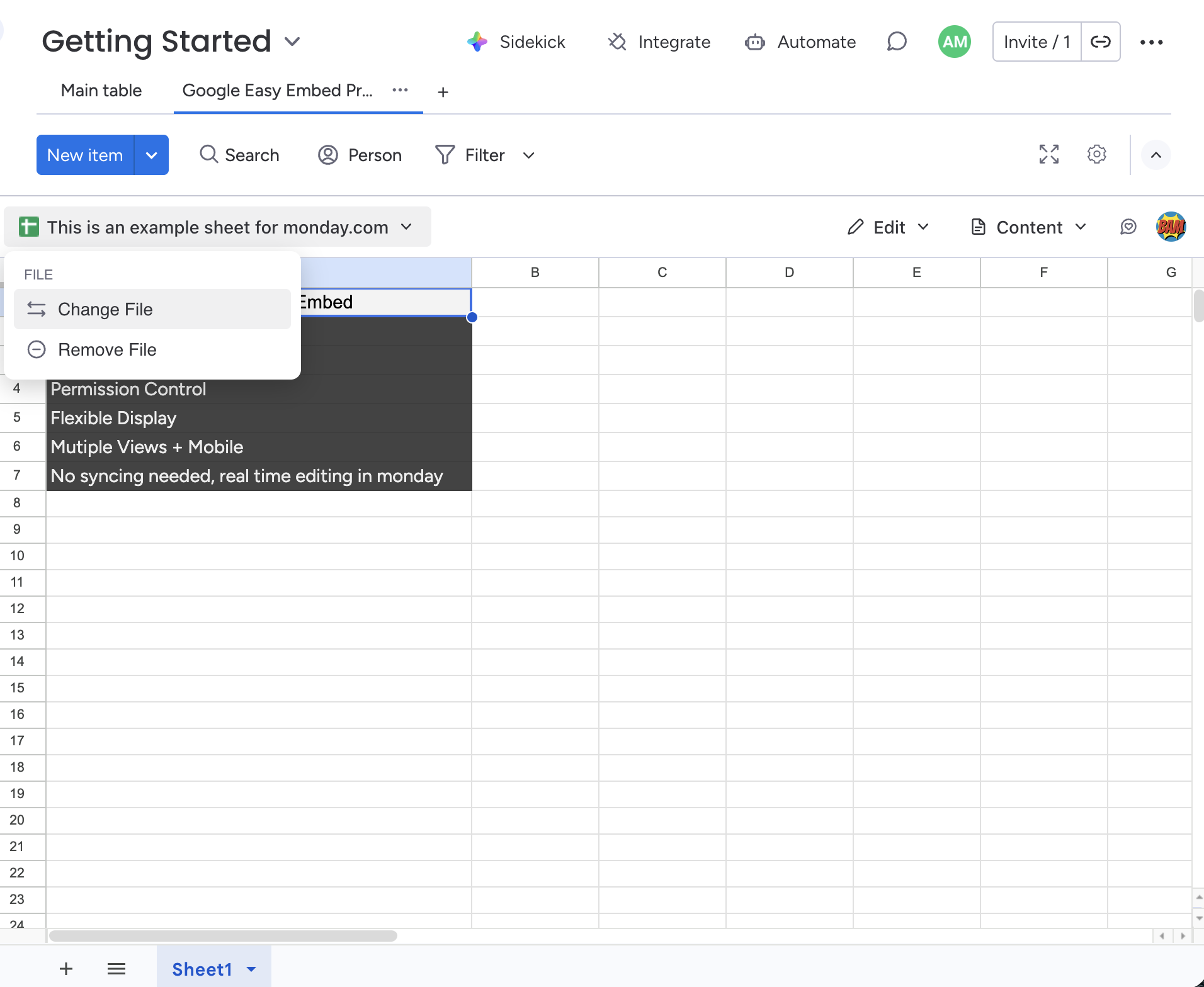
Change File
Select Change File to open the Google file picker and choose a different file to embed. The new file replaces the current one and resets the access and display settings to their defaults.
You must be connected to Google to change the file. If you’ve disconnected your Google account, this option is disabled.
Remove File
Select Remove File to remove the embedded file from the view entirely. The view returns to the file selection screen where you or another team member can embed a new file.
Who Can Change File Options?
Only the owner of the view configuration (the person who first embedded the file) can change or remove the file.