If you need help with Google Easy Embed Pro, you can reach our support team directly from the app.
Contact Support
Click the feedback icon in the toolbar to open the support widget.
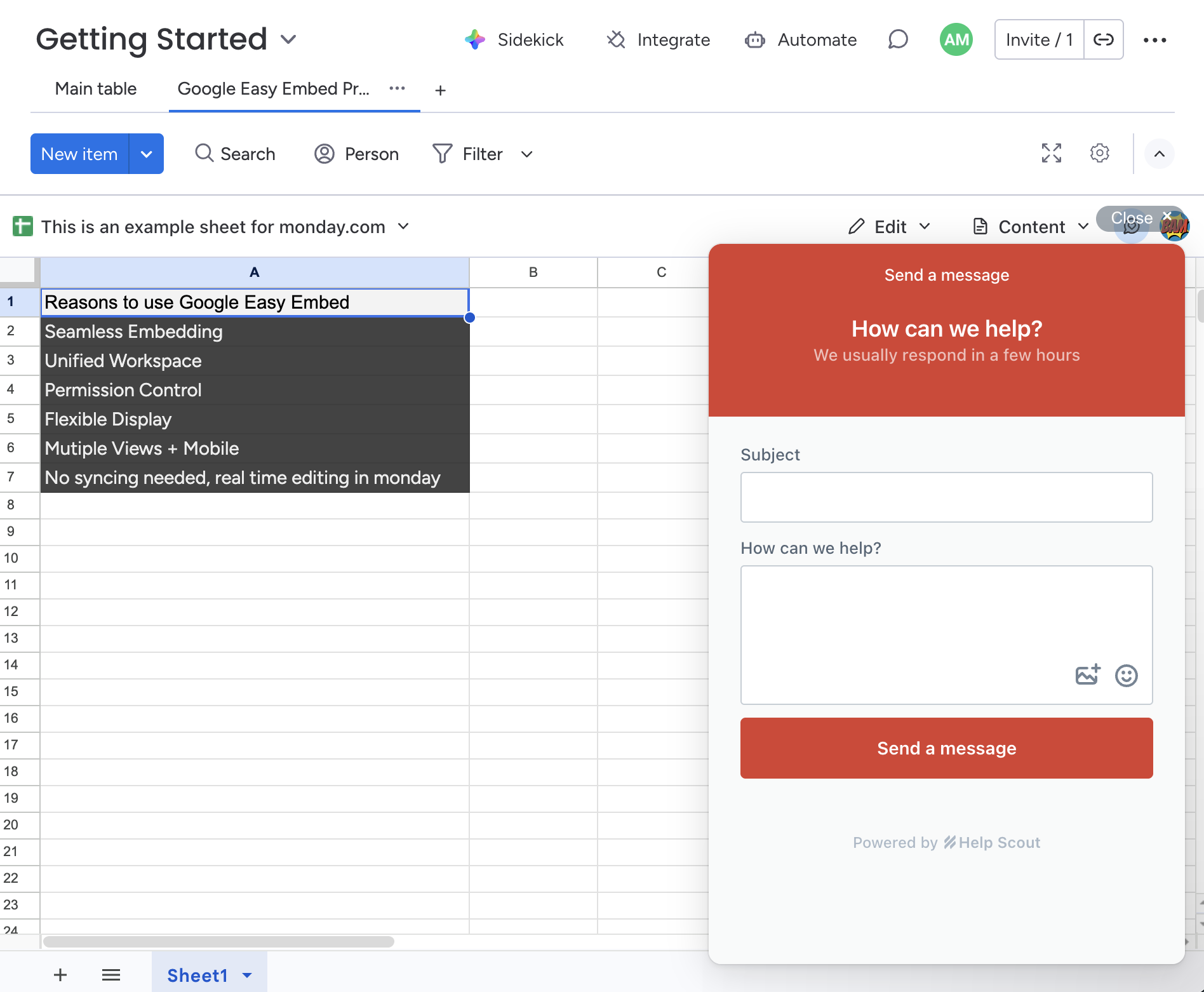
From the support widget you can:
- Search help articles — browse our knowledge base for answers to common questions.
- Send a message — describe your issue and our team will get back to you.
Common Issues
File won’t load
Make sure you’re connected to Google and that the file still exists in your Google Drive. Try disconnecting and reconnecting your Google account from the toolbar.
Can’t change access or display settings
Only the owner of the view configuration can modify settings. If you didn’t set up the embed, ask the person who did to make changes.
Google account disconnected
Click your profile avatar in the toolbar and select Connect to Google to reconnect. Your embedded file and settings will be preserved.
File is private
If you see a warning that the file is private, the file owner needs to enable link sharing in Google Drive before it can be shared with your team.