Group Card is Going Public on the monday.com Marketplace
After private beta with HR and people-ops teams, Group Card is opening up to all monday.com workspaces. Here's what's shipping at launch and what's coming next.
Group Card spent its private beta with HR and people-ops teams figuring out what a good group greeting card actually feels like inside monday.com — different from the standalone web tools (Kudoboard, Illume, GroupGreeting) because it doesn’t ask anyone to leave the platform they already work in. Now it’s opening up to every monday.com workspace.
Here’s what’s in the box at launch.
What’s shipping at launch
- 9 occasion types — Birthday, Work Anniversary, Farewell, Thank You, Congratulations, New Baby, Get Well, Welcome, and Promotion. Each has themed templates and a smart prompt for contributors.
- 100+ professionally designed templates — Real greeting-card look and feel. Filter inside the wizard, or browse the full library from the new Templates tab.
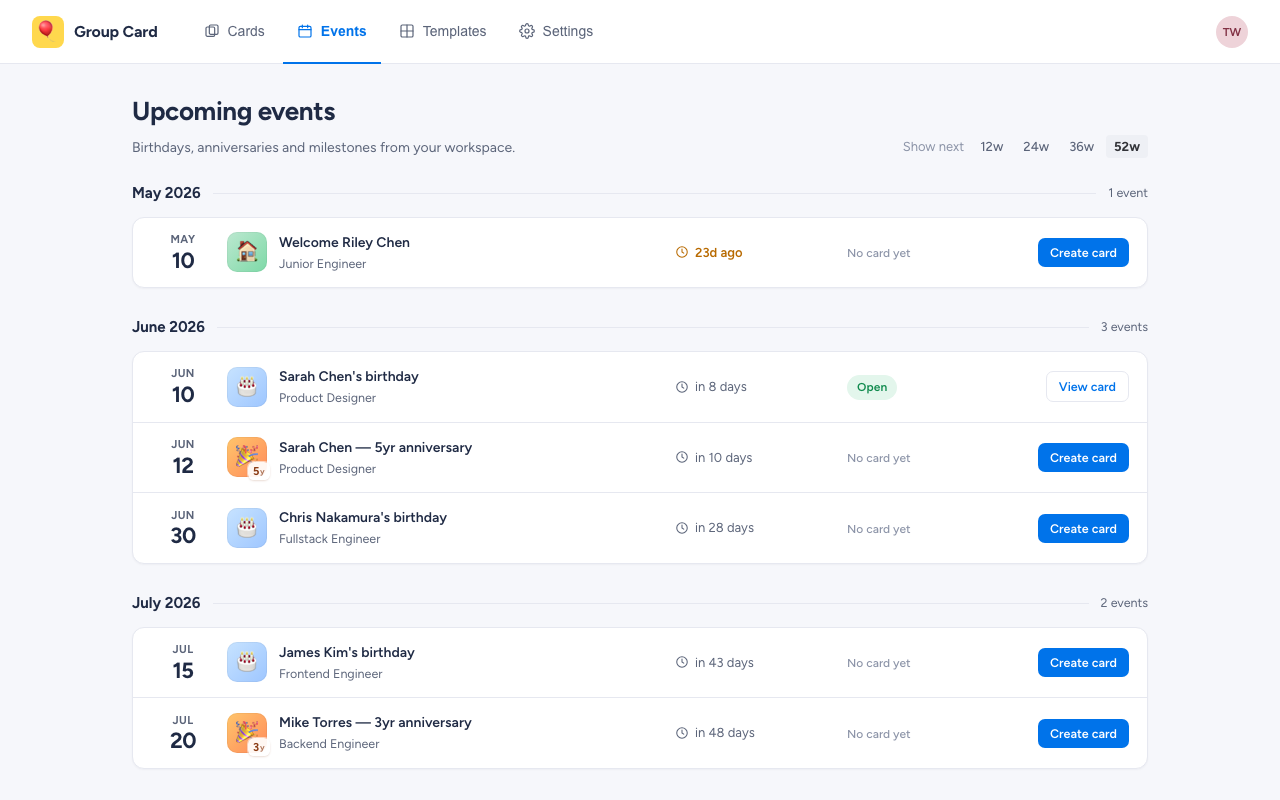
- An Events tab. Group Card reads birthdays and start dates from your monday workspace and lists everyone whose moment is coming up, grouped by month. One click pre-fills the wizard. See the Events help doc.
- Workspace-wide Settings. A new top-level Settings tab gives admins one place to manage the plan, enable scheduled delivery, and set the default delivery hour, timezone, and signing window. Details in Workspace settings.
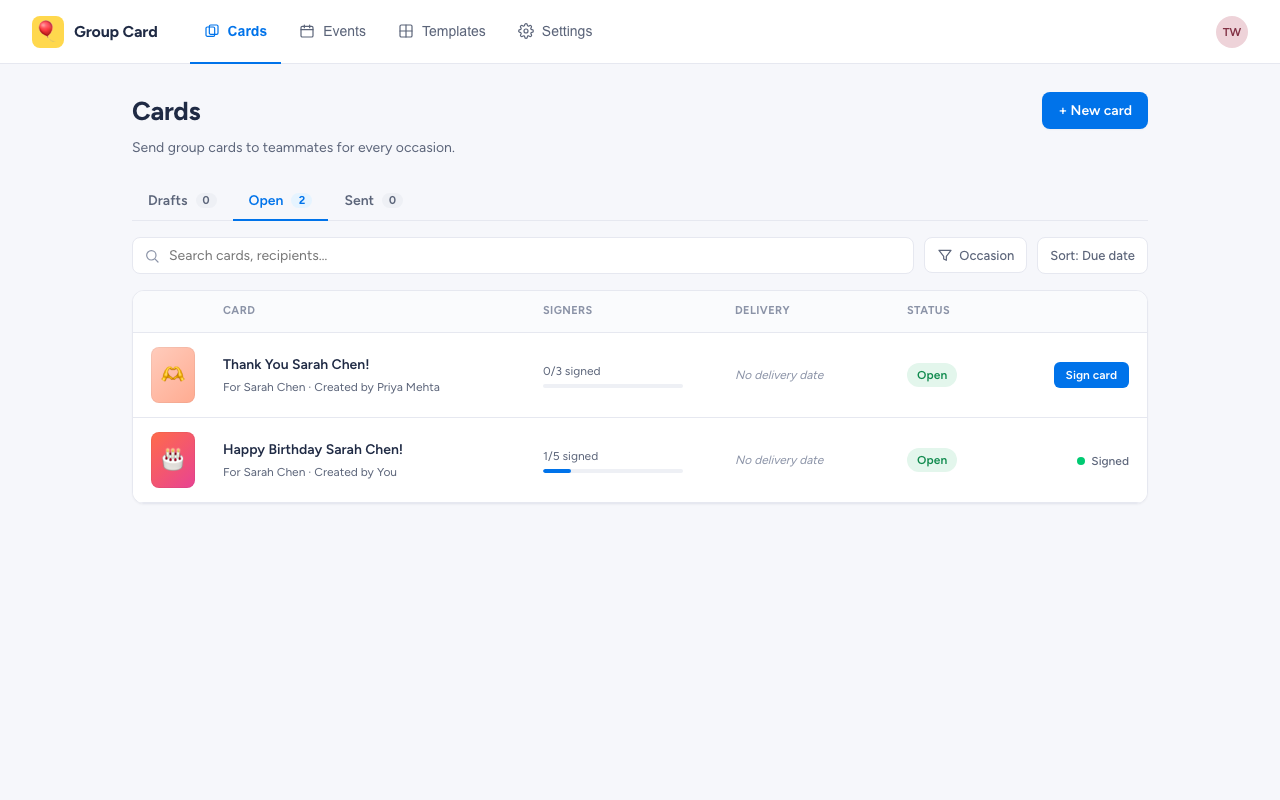
- Native monday.com notifications. Contributors get a bell notification, not a separate email. They click, write, choose a GIF, choose a font, sign — total flow is under a minute.
- GIF support via Giphy — Browse and add a GIF without leaving the card.
- Opening effects — Confetti, balloons, or sparkles when the recipient opens their card.
- Scheduled delivery in the recipient’s timezone. Default is 09:00 local — start of their workday, wherever they are.
- Organiser dashboard. See who’s signed and who hasn’t. Send a polite nudge with one click — it’s a monday notification, not an email reminder.
- Mobile-friendly. Cards open the same way on the monday.com mobile app as on desktop.
- Data stays in your workspace. Stored via monday’s Storage API; OAuth tokens in monday’s SecureStorage. No external vendor cloud.
How a card lifecycle works
- Organiser creates the card from inside monday.com — pick occasion, pick template, pick recipient, pick delivery date.
- Organiser invites contributors from the workspace. Each contributor gets a bell notification.
- Contributors sign by clicking the notification, writing a message, picking a font, optionally adding a GIF.
- Group Card delivers automatically at the scheduled time. The recipient sees the card with the opening animation, scrolls through every message, and the card stays accessible from the card list afterwards.
What’s coming next
A few things didn’t make the launch list but are on the near-term roadmap:
- Anonymous signing. Today, signatures use your monday identity. Anonymous mode is coming.
- Explicit revoke / unschedule controls on delivered cards.
- Custom image uploads in messages (today’s flow is GIF-only, plus the template’s own imagery).
- Manager handoff so organiser duties can be reassigned without losing the card.
Pricing
Free to install from the monday.com marketplace. There’s a generous Free tier (2 active cards, manual delivery), and paid tiers — Starter, Standard, Premium, Unlimited — unlock more active cards, scheduled delivery, custom-template tooling, and admin analytics. Tier and active-card usage live on the workspace Settings tab; billing happens through monday’s standard plan picker.
Try it
Install Group Card from the monday.com marketplace once the listing is public. If you’d prefer not to wait, contact support@bam-apps.com and we’ll get you onto the workspace.
Related reading
Try Group Card for monday.com
Get started in minutes — install directly from the monday.com marketplace.
Learn More