The Settings tab is the workspace-wide control panel for Group Card. It’s where admins manage the plan, enable scheduled delivery, and set the defaults that prefill every new card.
Per-card vs. workspace settings. The Settings tab in the top nav holds workspace-wide controls. The Settings tab inside an individual card (delivery date, cover message, Deliver Now) only affects that single card. See The organizer dashboard for per-card settings.
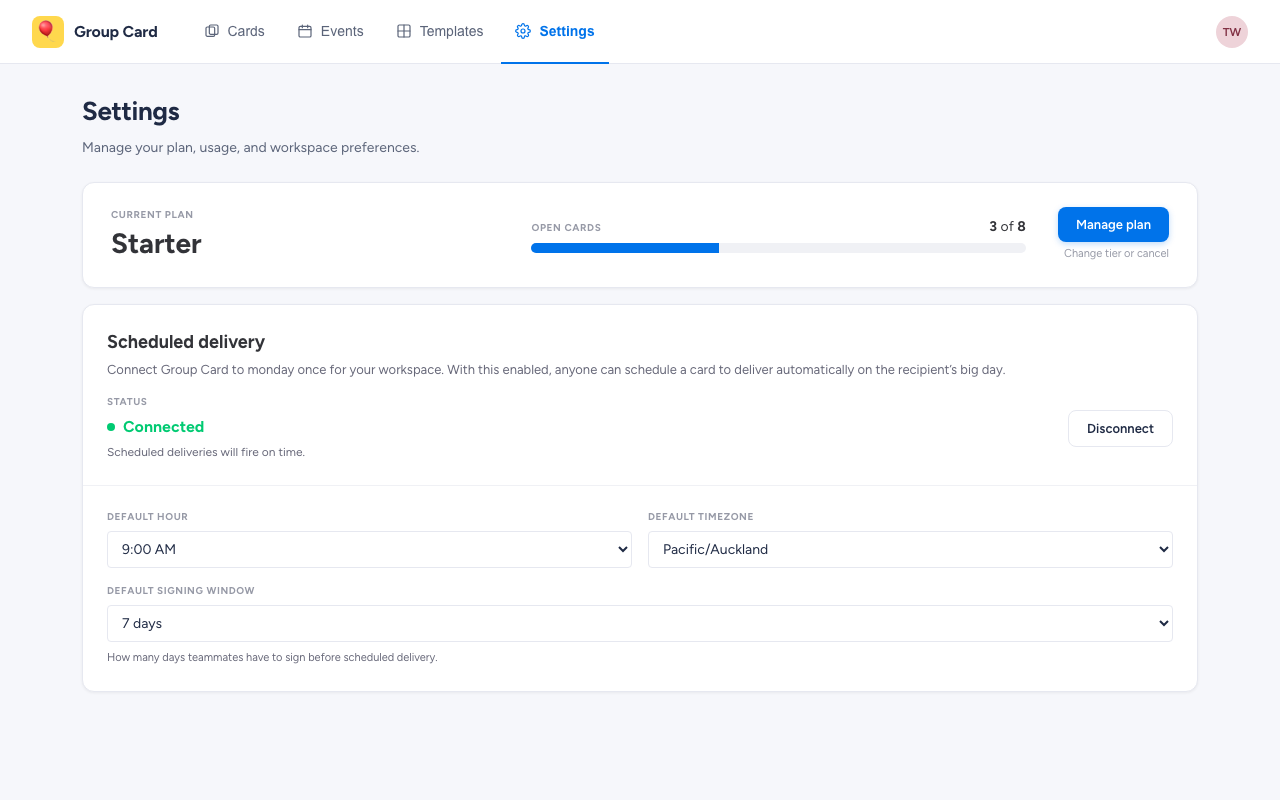
Who sees what
- Workspace admins see the full page: Plan & usage, Scheduled delivery, and Default delivery time.
- Full members (non-admin) see Scheduled delivery and Default delivery time only — Plan & usage is admin-only because it links to billing.
Plan & usage
The Plan and usage card shows your current Group Card plan and how close you are to its active-card limit.
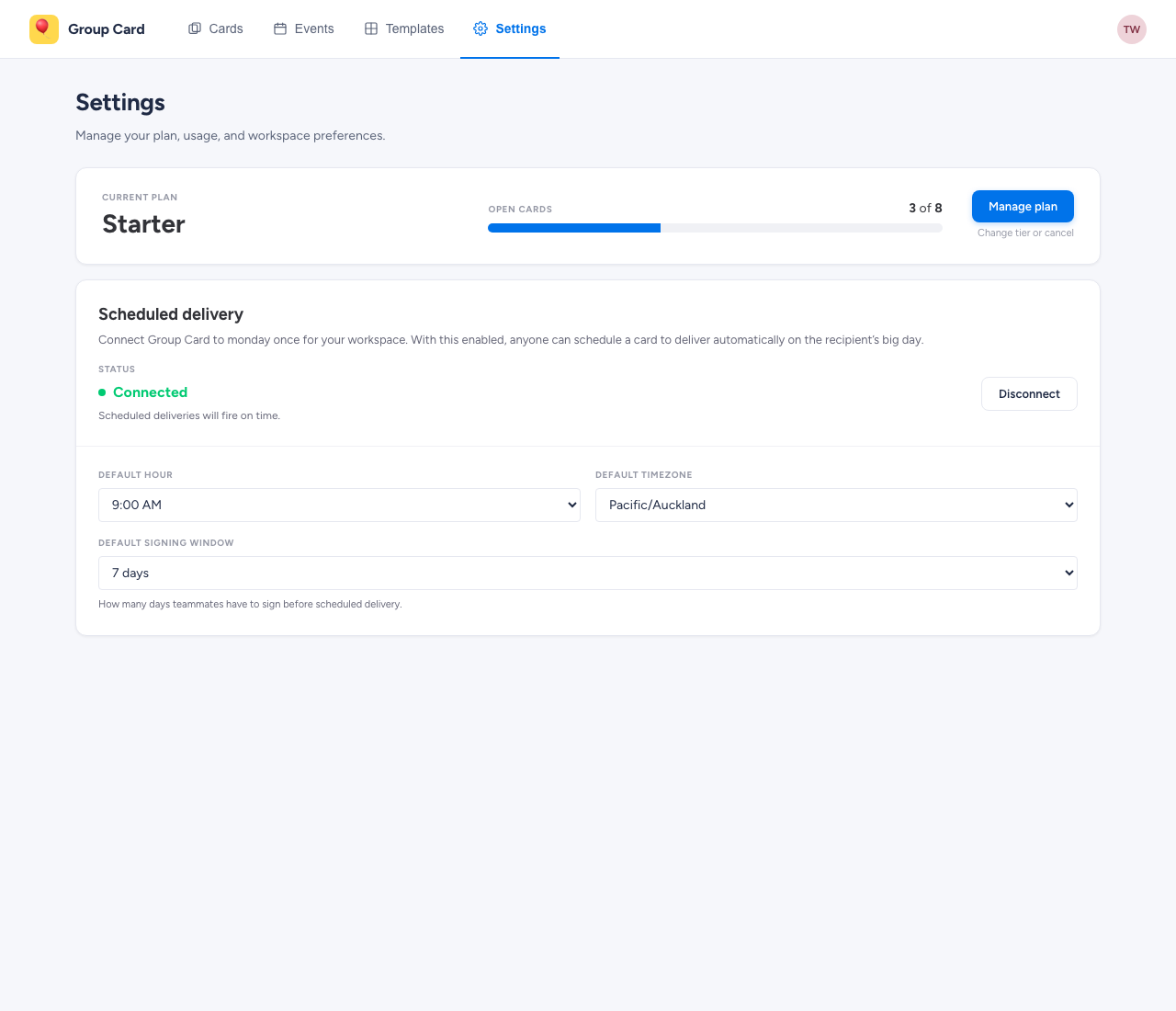
- Current plan. Free, Starter, Standard, Premium, or Unlimited.
- Active cards. A live count of cards that count toward the limit (drafts and collecting cards count; delivered cards do not). The progress bar turns red when you hit the cap.
- Manage plan / Upgrade plan. Opens monday’s plan-selection sheet, where billing happens. There’s no Group Card-side checkout.
- Compare plans. The strip along the bottom of the card summarises every tier so you can pick the next step up without leaving the app.
If you’re inside a monday trial, a banner above the plan shows the days remaining and which paid-tier features are unlocked for the trial.
Scheduled delivery
Scheduled delivery lets Group Card fire cards on the recipient’s chosen day automatically — without anyone clicking Deliver Now. It needs a one-time workspace-level OAuth grant.
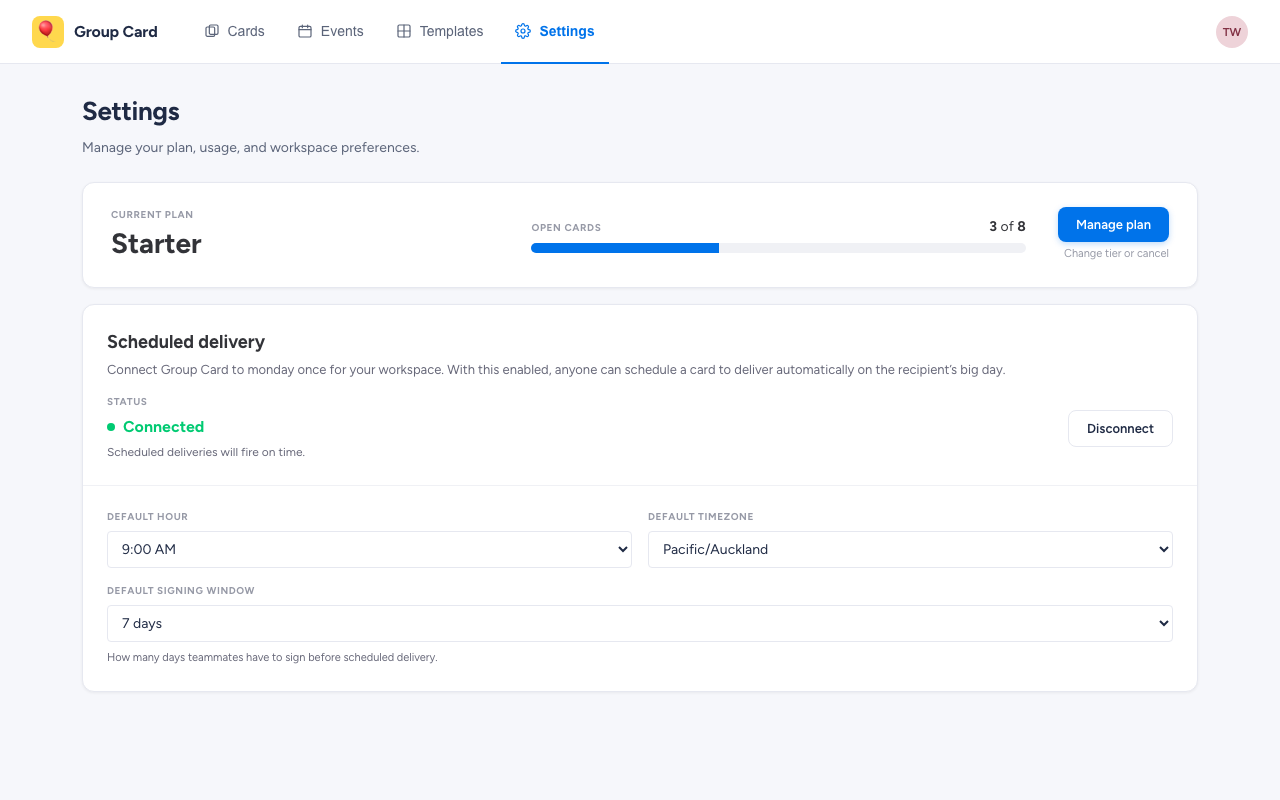
- Status. Connected (cards will fire on schedule), Not connected (nothing scheduled fires), or Locked (your plan doesn’t include scheduled delivery — upgrade to Starter or above).
- Connect / Disconnect. Walks an admin through the OAuth grant. Only needed once per workspace.
If the feature is locked on your tier, the card collapses into an upsell panel with a See plans button that scrolls back up to Plan & usage.
Default delivery time
When scheduled delivery is connected, the card expands to include the defaults that prefill every new card:
- Default hour. What time of day cards deliver, on the hour.
- Default timezone. Whose local time the hour is measured against.
- Default signing window. How many days teammates have to sign before delivery.
These are defaults, not locks — every card’s own Settings tab can override them. But the defaults make it possible to skip thinking about delivery timing for the routine birthday-and-anniversary cards.